Owner Portal Login: https://victoryre.appfolio.com/oportal/users/log_in
Finding Your 1099
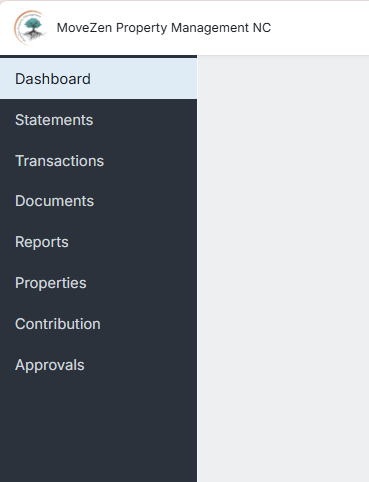
Your 1099 is located in the Documents tab. Click Documents in the left menu, then look for your 1099-MISC under the appropriate property or entity name.
Finding Your Cash Flow Report
Your Cash Flow Report is located in the Statements tab. Click Statements in the left menu to view your monthly statements and annual Cash Flow Report.
If You Own Multiple Properties or Have Multiple Entities
If you have more than one property or LLC, you'll see separate sections for each one within each tab. For example, under the Statements tab you might see "John Smith" for properties in your personal name and "Smith Properties LLC" for properties held in your LLC. The same structure applies in the Documents tab—scroll down to make sure you're viewing the right section for each entity.
Each entity will have its own 1099 and Cash Flow Report, so check all sections to ensure you have everything you need for tax preparation.
Questions?
Submit a Help Ticket Phone: (910) 447-9495 Email: mzaccounts@movezen360.com